
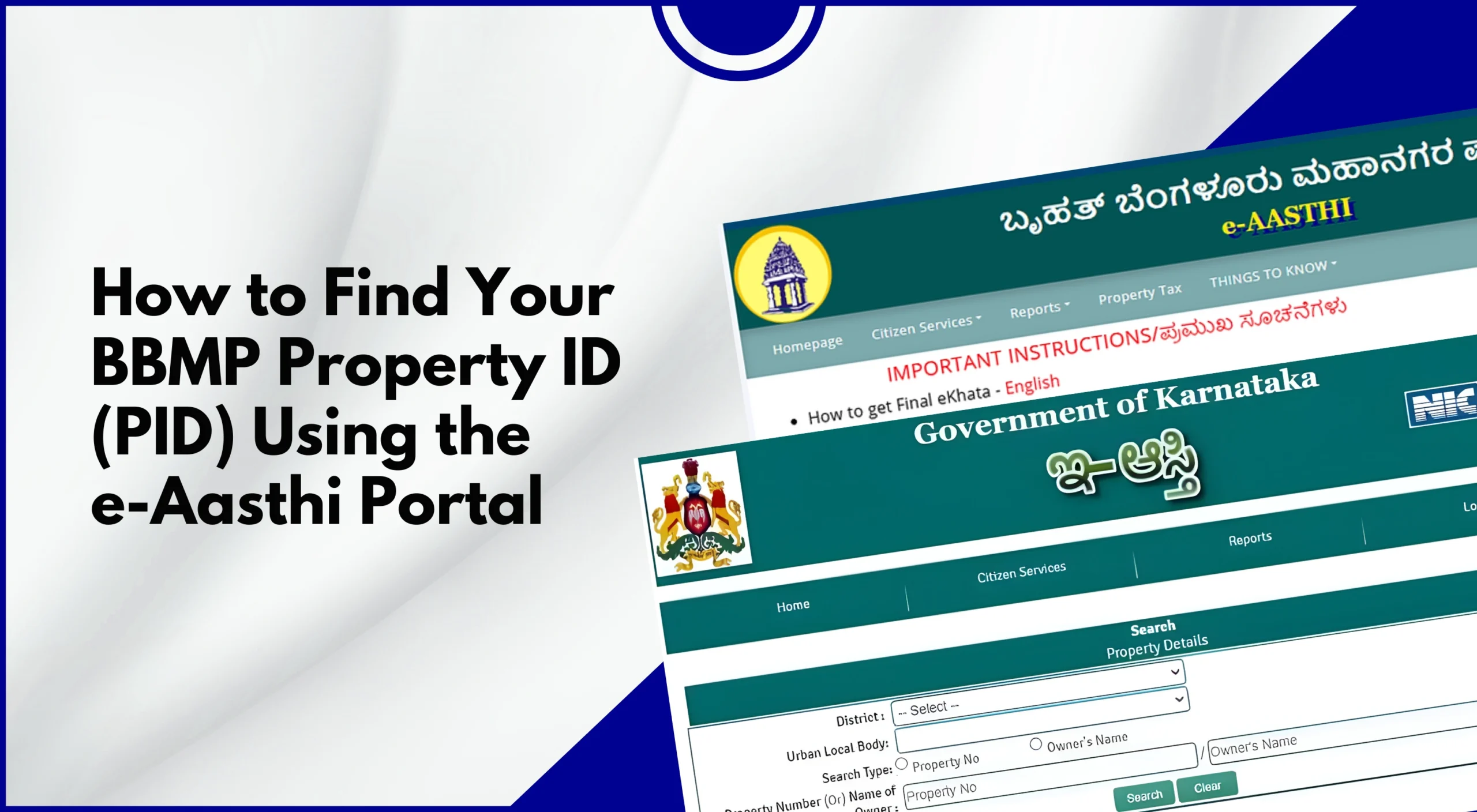
Bruhat Bengaluru Mahanagara Palika (BBMP) Property ID (PID) is an important, unique identification number for a property owner in Bangalore, India. This PID is a must in case you’re applying for khata services, paying property tax, or in case of updating the property ownership details.
Earlier, this process was completed by visiting the BBMP office in person, but lately, due to the launch of the Karnataka government’s BBMP e-Aasthi portal, this process can be done online in a more transparent and convenient way.
In case you’re searching for topics like “what is e-Aasthi Portal?” or how to find BBMP property ID using e-Aasthi portal? This detailed guide will help you navigate the process of finding your PID in a simple step-by-step manner.
What Is a BBMP Property ID (PID)?
A Property Identification Number (PID) is a unique 10–15 digit alphanumeric code assigned by the Bruhat Bengaluru Mahanagara Palike (BBMP) to each registered property within city limits. It serves as a permanent reference for all BBMP-related services tied to a property.
Where the PID Is Used
- Property tax payments
- Khata registration, transfer, and bifurcation
- Ownership updates
- Building plan approvals
- Property record verification
Once assigned, a PID typically remains the same unless there is a bifurcation, amalgamation, or re-numbering.
Why Finding Your PID Is Important
Knowing your PID helps you:
- Pay property tax accurately and on time
- Avoid penalties due to incorrect property mapping
- Track property details online
- Apply for BBMP services without delays
- Resolve disputes or discrepancies in records
If you’ve misplaced old tax receipts or recently purchased property, the e-Aasthi portal is the easiest way to retrieve your PID.
What is the BBMP e-Aasthi Portal?
The e-Aasthi portal is BBMP’s digital platform for managing property records across Bengaluru. It consolidates data related to ownership, khata, tax assessment, and property mapping under one system.
Key Features:
- Online property record search
- PID lookup
- Khata application and status tracking
- Ownership details verification
- Reduced dependency on physical offices
Also Read: Different Types of BBMP Khata in Bangalore
Details You Should Keep Ready Before Searching
Having accurate information improves search results. Keep the following handy:
- Owner’s name (as per BBMP records)
- Ward number
- Property address (street, locality)
- Old khata number or SAS application number (if available)
- Registered mobile number (optional)
Also Read: E-Khata Online Explained: Complete Digital Property Record Guide for Karnataka
Step-by-Step: How to Find Your BBMP PID Using the e-Aasthi Portal
As we have already discussed, the importance of having a BBMP PID, but to find your PID online through the e-Aasthi portal is a simple, few-step process. Following them in order will make it easier for you to find your PID:
Step 1: Visit the e-Aasthi Portal
Open the official BBMP e-Aasthi website in your browser. Ensure you’re on the authentic BBMP domain to avoid third-party sites.
Step 2: Select ‘Search Property’ or ‘Know Your PID’
On the homepage, look for options such as:
- Search Property
- Know Your Property ID
- Property Search (PID/KHATA)
Click the relevant option to proceed.
Step 3: Choose a Search Method
The portal usually offers multiple ways to search. Select the one that matches the details you have:
Common Search Options:
- By Owner Name
- By Property Address
- By Ward Number
- By Old Khata / SAS Number
Tip: If your name is common, combine it with ward or address details for better accuracy.
Step 4: Enter Property Details Carefully
Fill in the required fields:
- Owner’s name (exact spelling helps)
- Ward number
- Street name or locality
- House number or site number
Double-check spellings to avoid “no results found” errors.
Step 5: Submit and View Search Results
Click Search. If the details match BBMP records, a list of properties will appear.
Each result typically shows:
- Property ID (PID)
- Owner name
- Property address
- Ward details
- Assessment number
Click on your property to view details and confirm accuracy.
Step 6: Note Down or Download Your PID
Once you find your property:
- Save the PID
- Take a screenshot or download the available documents
- Use it for tax payment or khata services
Also Read: How to Download Property Documents from BBMP E-Aasthi Portal (PID, Khata, MRC)
Alternative Ways to Find Your BBMP PID
If the e-Aasthi search doesn’t yield results, try these options:
- Check Old Property Tax Receipts: Past BBMP tax receipts usually mention: PID, SAS application number, and Ward number.
- Use the BBMP Property Tax Portal: If you’ve paid tax online before, log in to the BBMP tax portal and view past payment history.
- Visit Your Local BBMP Office: As a last resort, carry a sale deed, tax receipts, and ID proof, and request PID details at the revenue section.
Common Issues and How to Fix Them
Issue 1: Property Not Showing in Search
Possible Reasons:
- Data not yet migrated to e-Aasthi
- Incorrect spelling or ward number
- Newly registered property
What to Do: Try alternate search methods, contact the BBMP helpdesk, and try to Visit the ward office with documents.
Issue 2: Multiple Properties with Similar Details
Solution: Match the site/house number carefully, verify the owner’s name and address, and cross-check with tax receipts.
Issue 3: Incorrect Owner Name or Address
Solution: Apply for data correction through e-Aasthi and submit supporting documents (sale deed, khata).
What to Do After You Find Your PID
Once you have your PID, you can:
- Pay property tax online
- Apply for the khata transfer or bifurcation
- Track application status
- Update ownership records
- Download property details
Keeping your PID handy ensures smoother interactions with BBMP.
Tips for a Smooth e-Aasthi Experience
- Make sure to use an updated browser for a faster, lag-free process
- In case you experience buffering or lagging, try at a late night or early morning when traffic on the site is usually low
- Always make sure to keep digital copies of your documents for future reference
- Ensure details match registered records
- Save confirmation numbers and screenshots
Conclusion
To conclude, we can say that finding your BBMP property ID(PID) is the most important step for managing property-related services in Bangalore. But with the help of e-Aasthi portal, this process has become all the more simple. By following all the steps explained in this detailed guide, you can easily find your PID through online mode in a more transparent and convenient manner without having to visit the BBMP offices in person.
If you face issues, remember there are alternative methods and official support channels available. Once you have your PID, managing taxes and property services becomes significantly easier.
Frequently Asked Questions (FAQs)
Is PID mandatory for paying the BBMP property tax?
Yes, the PID is required to correctly map your payment to your property.
Can two properties have the same PID?
No. Each property has a unique PID unless there’s a system error.
What if my property doesn’t have a PID yet?
New or unregistered properties must apply for khata/PID through BBMP.
Does PID change after ownership transfer?
Usually no, unless the property is bifurcated or re-numbered.

Leave A Comment