
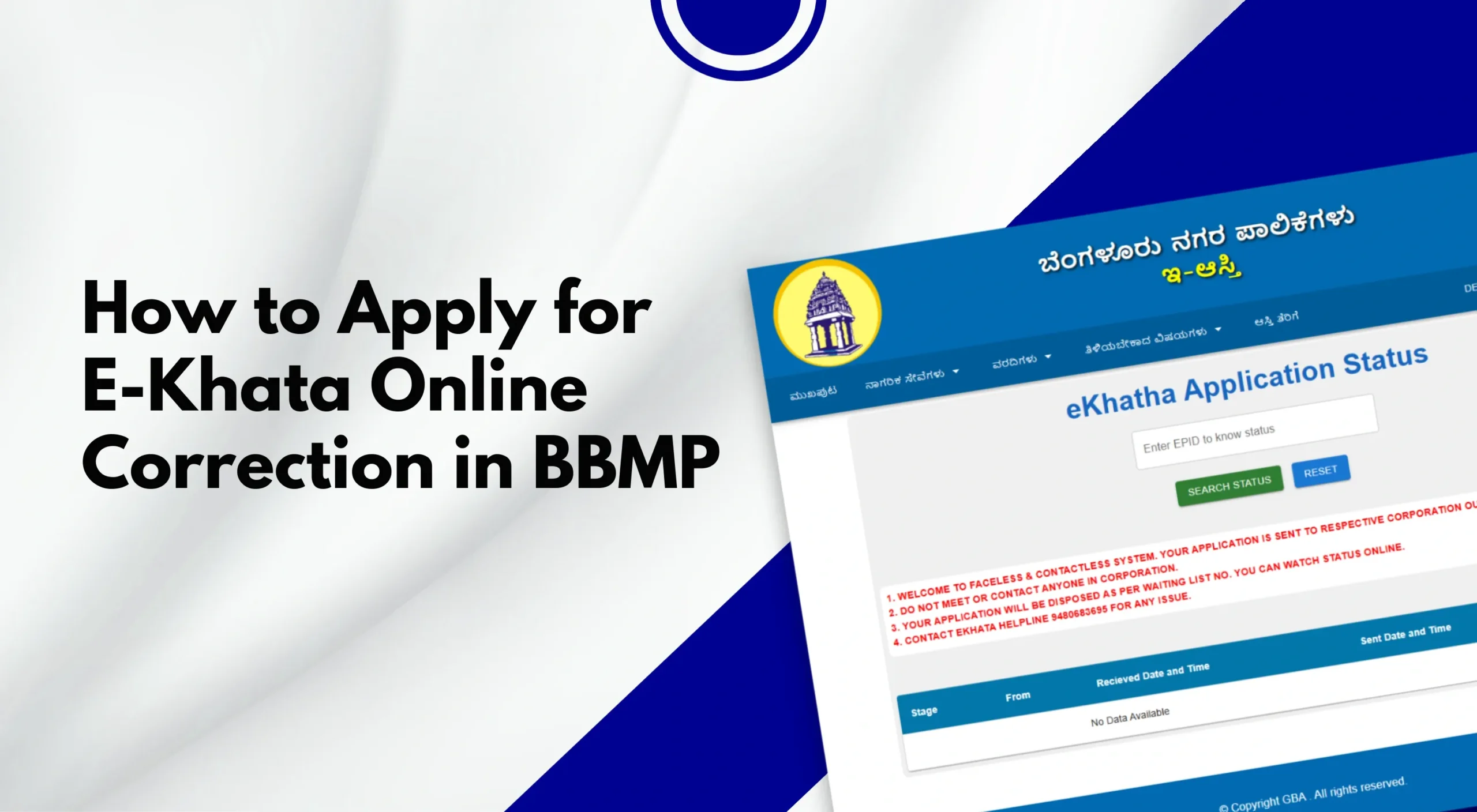
For property owners in Bengaluru, E-Khata is a crucial legal document issued by the Bruhat Bengaluru Mahanagara Palike (BBMP). It records property ownership details and is required for property tax payment, bank loans, sale or transfer of property, and legal compliance.
However, many property owners face issues such as wrong owner names, incorrect property dimensions, address errors, or survey number mismatches in their E-Khata. The good news is that BBMP now allows online correction of E-Khata details, making the process more transparent and convenient.
In this detailed guide, well answer all your questions related to the topic of how to apply for online correction in E-Khata. What is E-Khata? Or why correction in E-Khata required? Along with a step-by-step process for the online application process and its benefits.
What Is E-Khata?
E-Khata is the digital version of Khata, introduced by BBMP to Digitize property records, reduce fraud, enable online tax payments, and improve transparency
E-Khata is mandatory for properties that are: Approved by BBMP, located within the BBMP limits, and fully compliant with building bylaws.
Also Read: BBMP E-Khata: Complete Guide
Why Is E-Khata Correction Required?
Errors in E-Khata records are common due to:
- Manual data entry mistakes
- Old property records
- Typographical errors
- Incomplete documentation during Khata registration
Common E-Khata Errors:
- Incorrect owner name spelling
- Wrong property address
- Incorrect site dimensions or area
- Wrong PID (Property Identification Number)
- Survey number or ward number mismatch
- Errors after Khata transfer or bifurcation
If these errors are not corrected, they may cause issues during: Property sale or registration, Home loan approval, Property tax payment, and Legal disputes.
Types of E-Khata Corrections Allowed Online
BBMP allows online correction for:
- Owner name correction
- Address correction
- Property dimension correction
- Typographical errors
- Ward number updates
- PID-related corrections
Major structural changes may still require offline verification.
Documents Required for E-Khata Online Correction
Before starting the application, keep the following documents ready (scanned copies in PDF format):
Mandatory Documents:
- Sale Deed / Title Deed
- Latest Property Tax Paid Receipt
- Encumbrance Certificate (EC)
- Aadhaar Card (owner)
- Existing E-Khata certificate
Additional Documents (If Applicable):
- Rectification deed (for name correction)
- Building plan approval
- Occupancy Certificate (OC)
- Khata transfer order
- Court order (if applicable)
Ensure all documents are clear and legible to avoid rejection.
Step-by-Step Process to Apply for Online E-Khata Correction
Online E-Khata correction is a simple process where you have to follow a few steps to make online corrections. Here we have explained in detail all the steps for you to understand:
Step 1: Visit the BBMP E-Khata Portal
Go to the official BBMP e-Aasthi/E-Khata portal. And choose the option for Khata Services and select E-Khata Correction. At the end of this process, youll be asked to either log in or register as a new user.
Step 2: Login or Register
Existing users can log in using their credentials
New users must register using:
- Mobile number
- Email ID
- OTP verification
Make sure the registered mobile number is active for updates.
Step 3: Enter Property Details
Provide accurate property information:
- Property Identification Number (PID)
- Ward number
- Assessment number
- Owner name (as per existing E-Khata)
Verify the fetched property details carefully.
Step 4: Select the Type of Correction Required
Choose the correction category:
- Owner name correction
- Address correction
- Property dimension correction
- Other data mismatch
You may select more than one correction type if applicable.
Step 5: Upload Supporting Documents
Upload relevant documents based on the correction requested:
Sale deed for ownership correction, Tax receipts for area/address correction, and EC for verification. Also, files must meet size and format requirements.
Step 6: Provide Corrected Details
Enter the correct information exactly as per legal documents. Double-check spellings, numbers, and measurements before submission.
Step 7: Pay the Correction Fee Online
Pay the applicable fee using:
- UPI
- Net banking
- Debit/Credit card
The fee depends on the type of correction, Property category, and BBMP guidelines. Also, make sure to keep the payment receipt safe.
Step 8: Submit Application & Get Acknowledgment
After submission, you will receive an acknowledgment number, and the application status can be tracked online. This number is important for future reference.
Also Read: How to change the name in the property tax online in BBMP Bangalore
What Happens After Submission?
Submission of an online application is not the final process. After final submission and asknowledment their are a few formalities from BBmp side as well:
BBMP Verification Process:
- BBMP officials verify documents
- Field inspection may be conducted (if required)
- Clarifications may be requested online
Approval Timeline:
- Minor corrections: 15–30 working days
- Complex corrections: 30–60 working days
Delays may occur if documents are incomplete.
How to Track E-Khata Correction Application Status
You can track your application by:
- Logging into the BBMP portal
- Entering the acknowledgment number
- Checking status updates
Statuses may include:
- Under verification
- Pending documents
- Approved
- Rejected
Also Read: How to Download Property Documents from BBMP E-Aasthi Portal (PID, Khata, MRC)
How to Download Corrected E-Khata
Once approved:
- Log in to the E-Aasthi portal
- Go to Download E-Khata
- Enter PID or acknowledgment number
- Download the updated E-Khata certificate
Verify all details immediately after download.
Common Reasons for E-Khata Correction Rejection
- Incorrect or unclear documents
- Mismatch between deed and tax records
- Unpaid property tax dues
- Property not compliant with BBMP norms
- The applicant entered incorrect information
Always cross-verify documents before submission.
Offline E-Khata Correction (When Required)
Some cases may require offline correction:
- Disputed ownership
- Court cases
- Major land use changes
- Layout regularization issues
In such cases, visit your BBMP Revenue Office with original documents.
Tips for Smooth E-Khata Correction Approval
- Ensure property taxes are fully paid
- Use documents matching the BBMP records
- Avoid spelling inconsistencies
- Upload high-quality scans
- Respond promptly to BBMP queries
Professional assistance can help in complex cases.
Do You Need a Property Consultant or Lawyer?
You may consider professional help if:
- Documents are old or unclear
- The property has multiple owners
- Legal disputes exist
- The application is repeatedly rejected
Experts understand the BBMP processes and reduce delays; thus, in case it is important for you to get correct details in no time, always pick the reliable broker that can finish paperwork on your behalf or can help you with a smooth and hassle-free process.
Conclusion
To conclude, we can say that applying for online correction in E-Khata has become an even easier process thanks to BBMPS digital E-Aasthi portal, where one can log in and apply for corrections.
Though the process of online corrections is simple, one needs prior knowledge about how to apply for online correction in E-khata through BBMPs E-Aasthi portal, along with proper documentation and accurate details. One can easily complete their online correction in no time.

Leave A Comment