
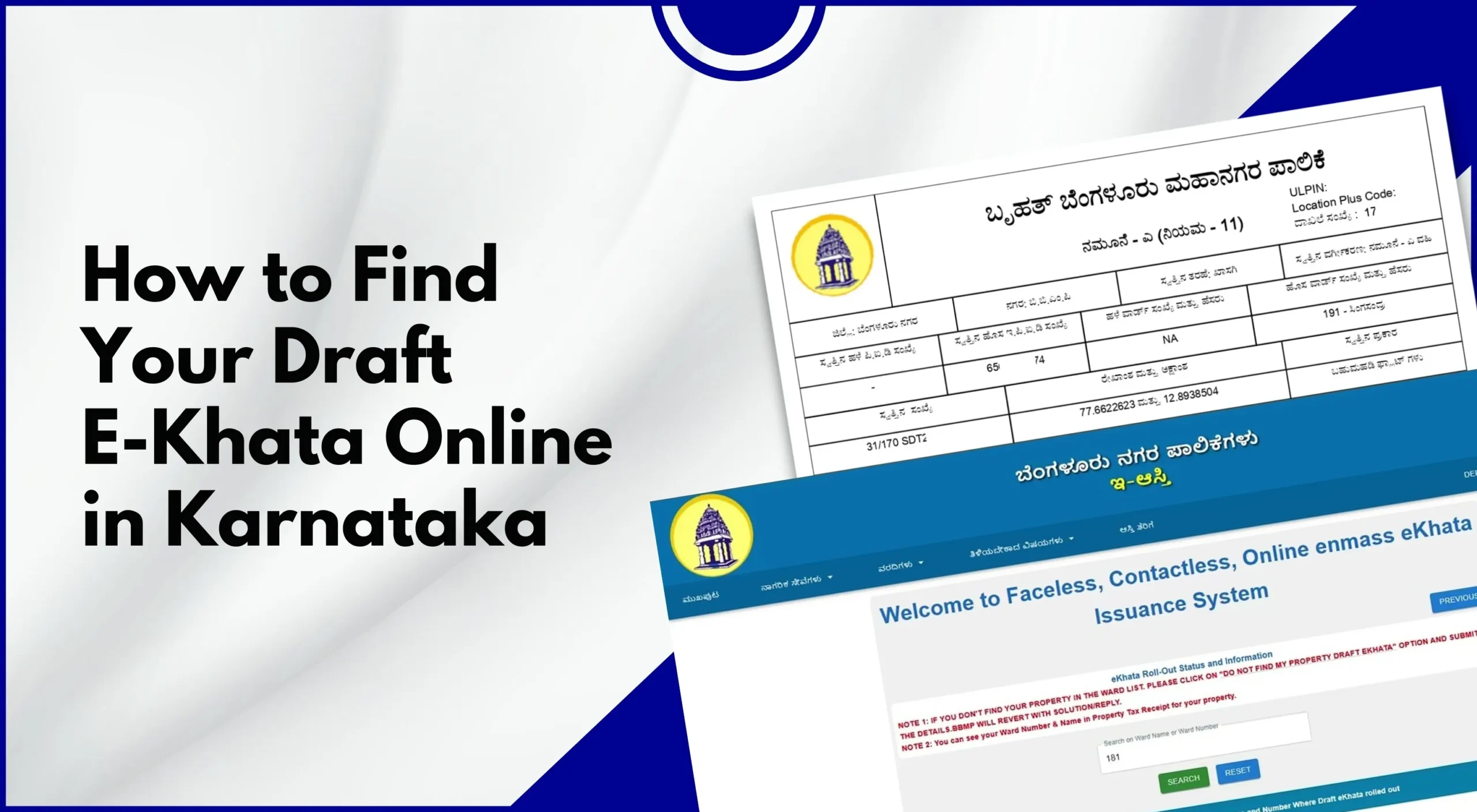
With Karnataka moving rapidly toward digitised property records, E-Khata has become an essential document for property owners. If you have recently applied for Khata registration, transfer, or correction, you may notice that your property shows a Draft E-Khata status online.
In this detailed article, we’ll explain the importance of having an E-Khata, common issues faced by people during the process of drafting an E-Khata, and how to find it online.
What Is Draft E-Khata?
A Draft E-Khata is a preliminary digital Khata record generated after BBMP or the local authority processes your application, but before final approval.
It includes:
- Owner details
- Property address
- Property dimensions
- PID (Property Identification Number)
- Ward and assessment details
The draft allows the applicant to verify information and request corrections before the final E-Khata is issued.
Difference Between Draft E-Khata and Final E-Khata
|
Draft E-Khata |
Final E-Khata |
|
Provisional record |
Officially approved record |
|
Subject to correction |
Legally valid document |
|
Cannot be used for registration |
Accepted for loans, sale, and tax |
|
Generated after the application |
Issued after approval |
Understanding this difference is crucial before proceeding with property transactions.
Who Can Access Draft E-Khata in Karnataka?
You can find a Draft E-Khata if:
- You applied for a new Khata registration
- You applied for a Khata transfer
- You requested E-Khata correction
- Your property is under the BBMP jurisdiction
- Your application is under processing or pending approval
Draft E-Khata is most commonly seen on the BBMP e-Aasthi portal.
Documents Needed Before Checking Draft E-Khata Online
Keep the following details ready:
- Property Identification Number (PID)
- Application or acknowledgement number
- Registered mobile number
- Owner name (as per application)
Having correct details ensures smooth access.
Step-by-Step Guide to Find Draft E-Khata Online in Karnataka
Drafting an E-Khata online in Karnataka is an easy, few-step process if you follow all the suggested steps. Here are the important step involve in drafting E-Khata online in Karnataka.
Step 1: Visit the Official BBMP e-Aasthi Portal
Open the official BBMP e-Aasthi/E-Khata portal used for property records and Khata services in Bengaluru.
This portal manages: E-Khata, Property tax, and Draft and final Khata records
Step 2: Select Khata or Property Services
From the homepage: Choose Property Services or Khata Services, and then you get the option to click on options related to E-Khata/Draft Khata.
Ensure you select BBMP jurisdiction properties only.
Step 3: Search Using PID or Application Number
You can search your Draft E-Khata using: PID number, Application acknowledgement number or the Owner name and ward details.
Enter the details carefully to avoid errors.
Step 4: Verify Property Details Displayed
Once your record loads, verify: Owner name spelling, Property address, Ward number, Measurement details, or the Site or flat number.
If the system shows Draft E-Khata, it means approval is pending.
Step 5: View or Download Draft E-Khata
You may be able to:
- View the Draft E-Khata online
- Download a provisional PDF
- Take a screenshot for verification
This document is meant only for review, not official use.
Also Read: How to Download Property Documents from BBMP E-Aasthi Portal
How to Know If Your E-Khata Is in Draft Status
Your E-Khata is in draft stage if:
- Status shows Draft Khata or Under Verification
- The downloaded document is marked provisional
- The final Khata certificate option is disabled
- BBMP approval is pending
This is a normal stage in the process.
What to Check Carefully in Draft E-Khata
Before approval, verify every detail:
Owner Information: this includes-Name spelling, Joint owner details and Aadhaar/PAN linkage. Property Details: Site or flat number, Measurement (sq ft or sq m), Survey number, and Ward and zone. All these details are vital, so ensure they are error-free. PID Tax Details: Correct PID mapping and Property tax assessment details.Errors here can cause serious issues later.
What If There Are Errors in Draft E-Khata?
If you find mistakes, you must act before final approval. Common Errors include: Incorrect owner name, Wrong property area, Address mismatch, Incorrect ward number, or the PID mapping error.How to Correct Errors in Draft E-Khata
Option 1: Apply for Online E-Khata Correction
Log in to the BBMP portal and select E-Khata Correction. At this stage, you will be asked to upload supporting documents once you’re done with uploading all important supporting documents. Submit a correction request.
Option 2: Visit the BBMP Revenue Office
If online correction is unavailable: Visit the concerned BBMP office and carry original documents along with you in physical form, where you’ll submit a written correction request. Because prompt action prevents delays.
What Happens After Draft E-Khata Verification?
Once verified:
- BBMP officials review the draft
- Field inspection may occur (if required)
- Approval authority validates documents
- Final E-Khata is issued online
Processing time varies based on case complexity.
How Long Does Draft E-Khata Remain Active?
- Typically 15–45 working days
- May extend if corrections are requested
- Pending applications may remain longer
Regularly check the status to avoid stagnation.
How to Download Final E-Khata After Approval
After approval: Log in to the style=”text-decoration:none” href=”https://bbmpeaasthi.karnataka.gov.in/office/frmKhathaDownload.aspx”>BBMP portal, then Select Download E-Khata Certificate and enter your PID or application number nd finally download the final PDF.
Always verify final details immediately.
Common Issues While Searching Draft E-Khata Online
- Incorrect PID entry
- Server downtime
- Property not mapped digitally
- The recently submitted application not yet uploaded
Wait 3–7 working days after application before checking.
Tips for Smooth Draft E-Khata Approval
- Ensure all property details (survey number, plot size, owner name) are correct.
- Submit a complete set of required documents (ID proof, sale deed, tax receipts).
- Check for any pending property taxes and clear them in advance.
- Fill the application form carefully without any errors.
- Verify the property boundaries with municipal records to avoid discrepancies.
- Attach a recent photograph of the property (if required).
- Keep copies of all submitted documents for reference.
- Follow up regularly with the municipal office for updates.
- Respond promptly if the authorities ask for additional information.
- Maintain patience; approvals can take time depending on workload.
Is Draft E-Khata Legally Valid?
No. A Draft E-Khata:
- Cannot be used for sale or registration
- Is not accepted by banks
- Is meant only for verification
Only the final E-Khata certificate has legal validity.
Conclusion
Finding your Draft E-Khata online in Karnataka is a crucial step in securing accurate and legally compliant property records. It allows property owners to verify details, correct errors, and ensure smooth approval before the final E-Khata is issued.
By following this step-by-step guide, property owners can confidently track their Draft E-Khata, avoid future disputes, and move closer to complete digital property compliance.

Leave A Comment